Weekly updates your clients actually read.
Clarq turns a week of project activity into a polished client update. Publish it to a secure, branded page — your client sees progress without logging in or asking for a status meeting.
One click from work to client update.
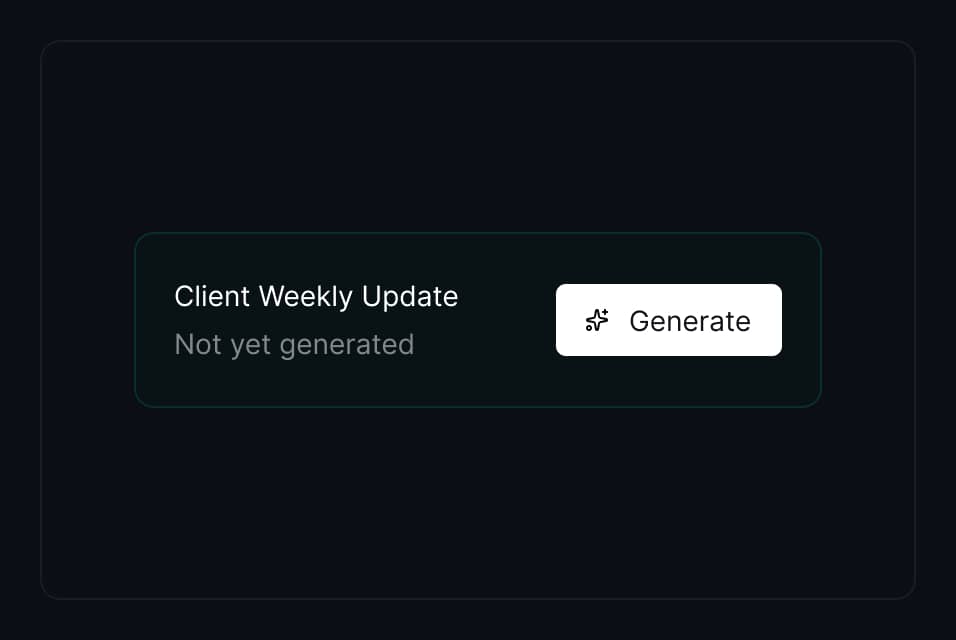
Click Generate and Clarq's AI writes a weekly summary from your project's time entries, completed tasks, and team notes. Open the draft in the editor to review before publishing.
- AI drafts from real project data — not templates.
- Regenerate anytime for a fresh take.
- Drafts stay private until you publish.
Full control before it goes out.
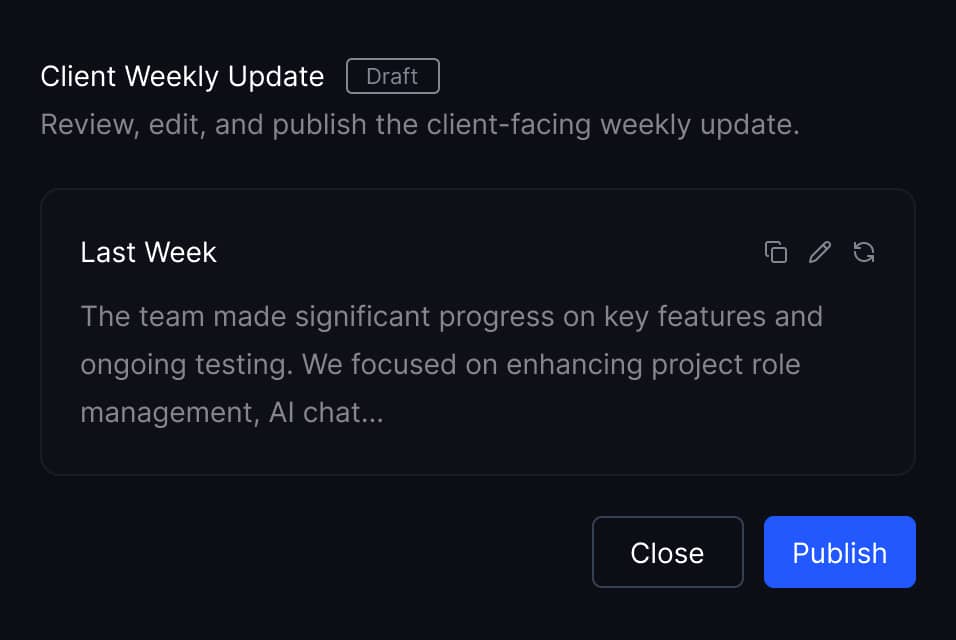
Every update opens in a TipTap markdown editor. Edit the copy, adjust the framing, or add context your client needs. Nothing goes live until you say so.
- Rich markdown editor with inline formatting.
- Copy to clipboard for use in emails or Slack.
- Publish, unpublish, or regenerate at any time.
Share with confidence.
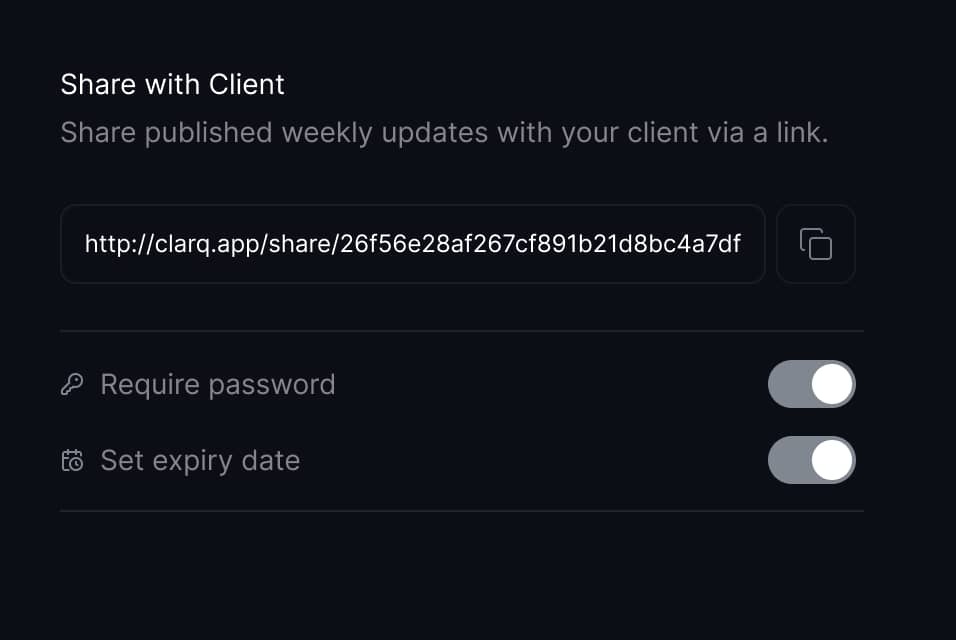
Every share link is a unique 32-character token. Add a password gate, set an expiry date, or regenerate the link instantly if needed.
- Optional password with bcrypt hashing and rate limiting.
- Expiry dates scoped to your organization timezone.
- Regenerate or revoke the link — old URLs stop working immediately.
A page your clients bookmark.
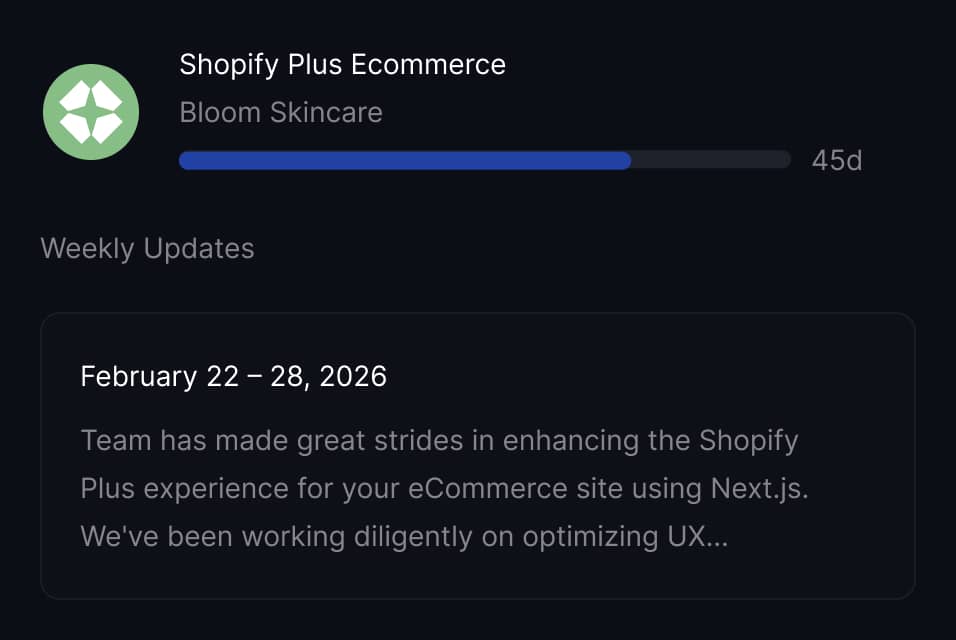
Published updates appear on a branded share page at clarq.app/share. Clients see the project name, progress timeline, and a scrollable feed of weekly updates.
- Client logo, project name, and progress bar at the top.
- Weekly updates as cards with date range headings.
- Desktop side navigation for 2+ updates.
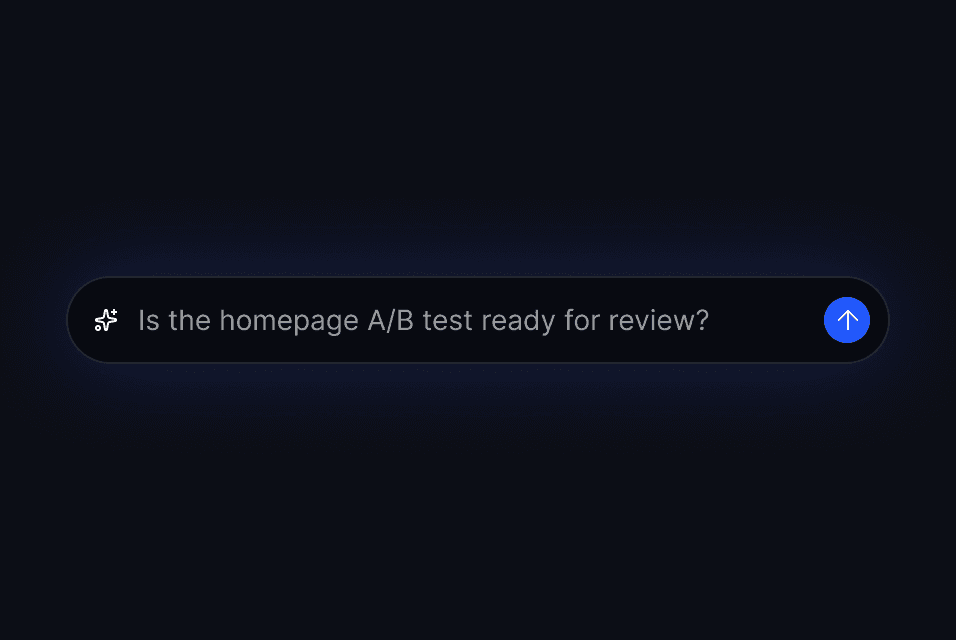
Let clients ask questions about their project.
Clients can chat with an AI assistant right on the share page. It answers questions based on published updates and project progress — so they get clarity without scheduling a call.
- "Is the project still on track for the deadline?"
- "What changed since the last update?"
- Responses are scoped to published data only — internal details stay private.