One place to see what's happening on every project.
Clarq gives every team member real-time project visibility — AI summaries, activity tracking, client-ready updates, and a secure share page your clients can access without logging in.
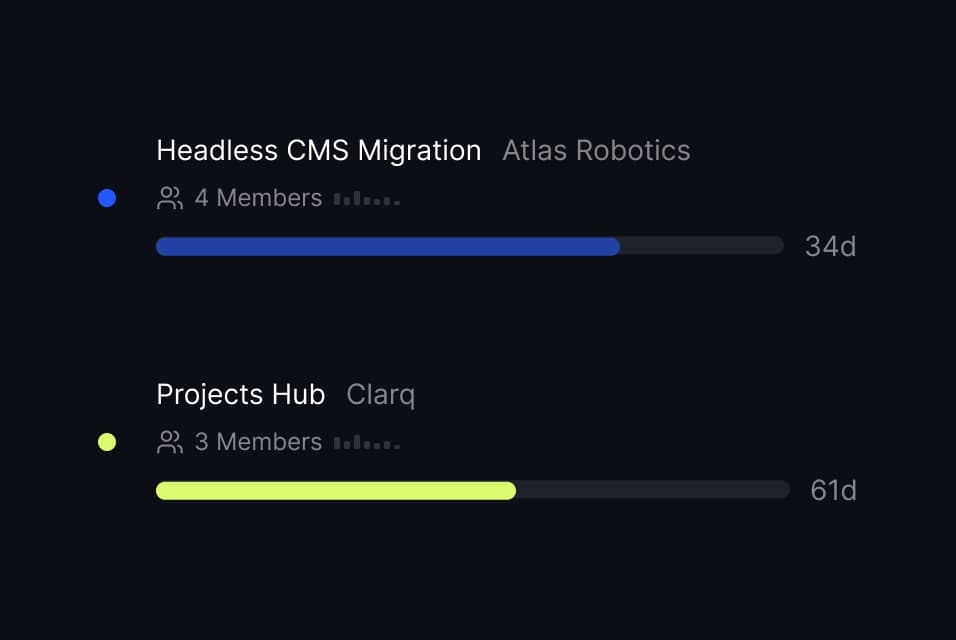
Every project, at a glance.
The Projects Hub surfaces real-time status for every project — visible to members, managers, and admins. Activity strips, progress bars, and quick filters keep everything scannable.
- Activity strips show 7-day engagement intensity.
- Progress bars with manual or AI-suggested percentages.
- Filter by status, search by name, sort by activity or progress.
The week's story, told by AI.
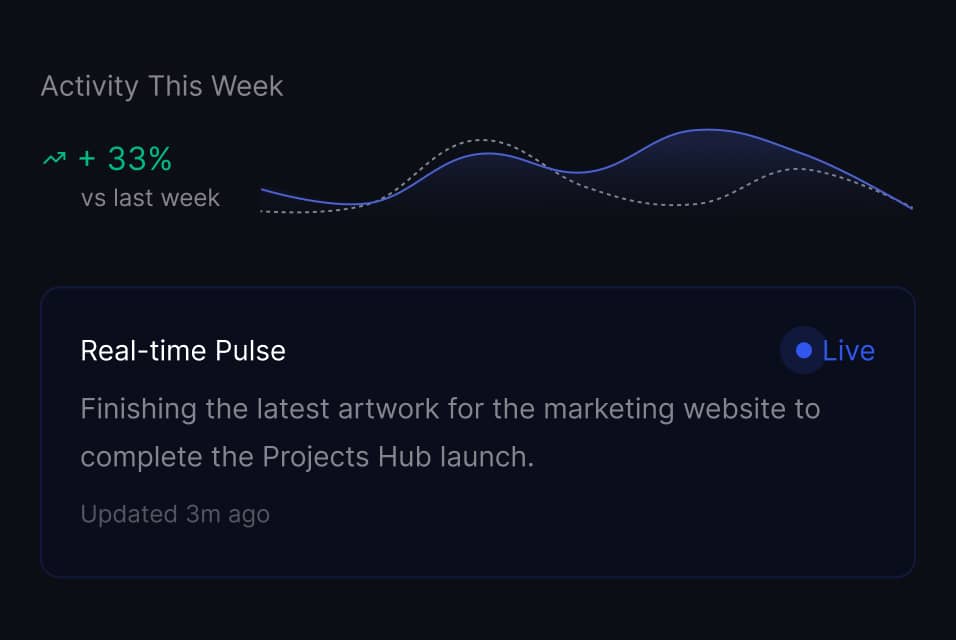
Each project has a weekly overview with an activity intensity chart, AI-generated daily summaries, and a real-time pulse that updates as work happens.
- Activity intensity chart: week-over-week comparison of engagement.
- Daily summary timeline with AI snapshots of each day.
- Real-time pulse shows what just happened — live.
Generate, edit, publish in one flow.
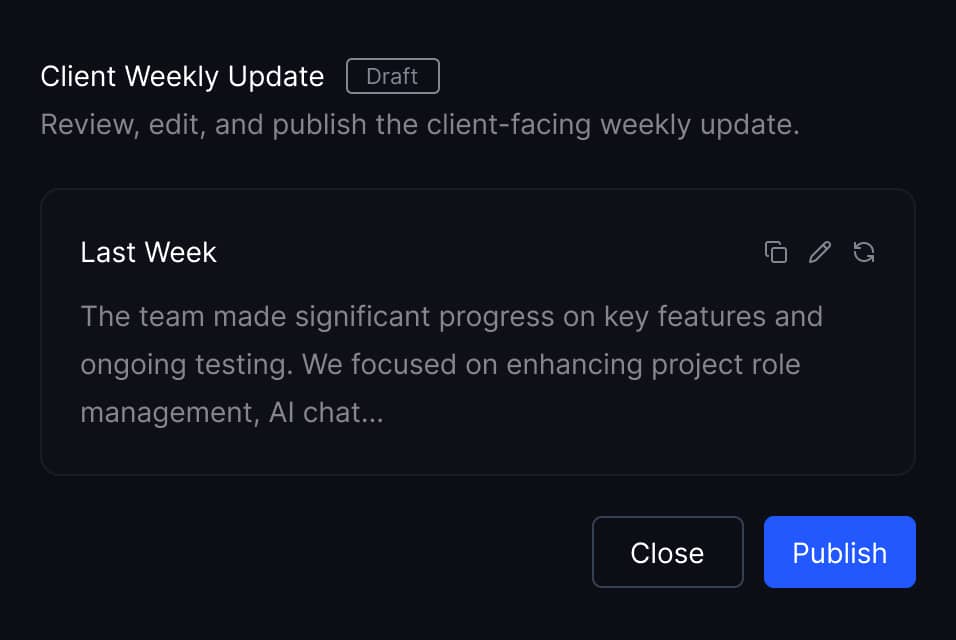
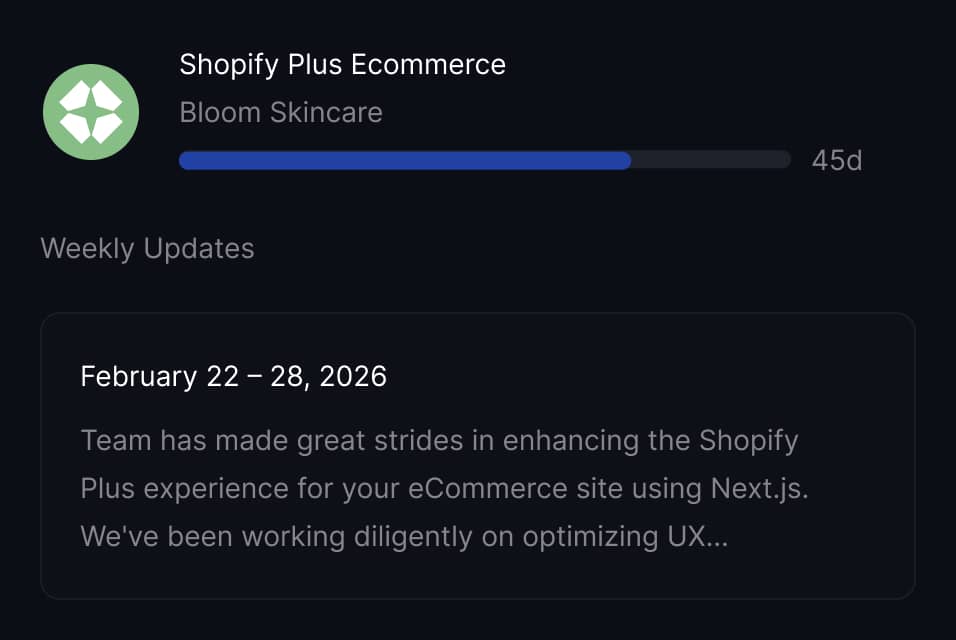
AI writes a client-ready weekly update from your project's activity data. Review it in a rich editor, tweak the copy, and publish it to the client's share page.
- One-click AI generation from time entries and tasks.
- Notion-like editor for review and edits before publishing.
- Publish or unpublish instantly — clients see changes in real time.
A branded page your clients bookmark.
Share a secure link with your client. They see a branded page with project progress, a timeline, and every published weekly update — no login required.
- Password protection with session cookies.
- Expiry dates to control access windows.
- Regenerate or revoke the link at any time.
Ask your project anything.
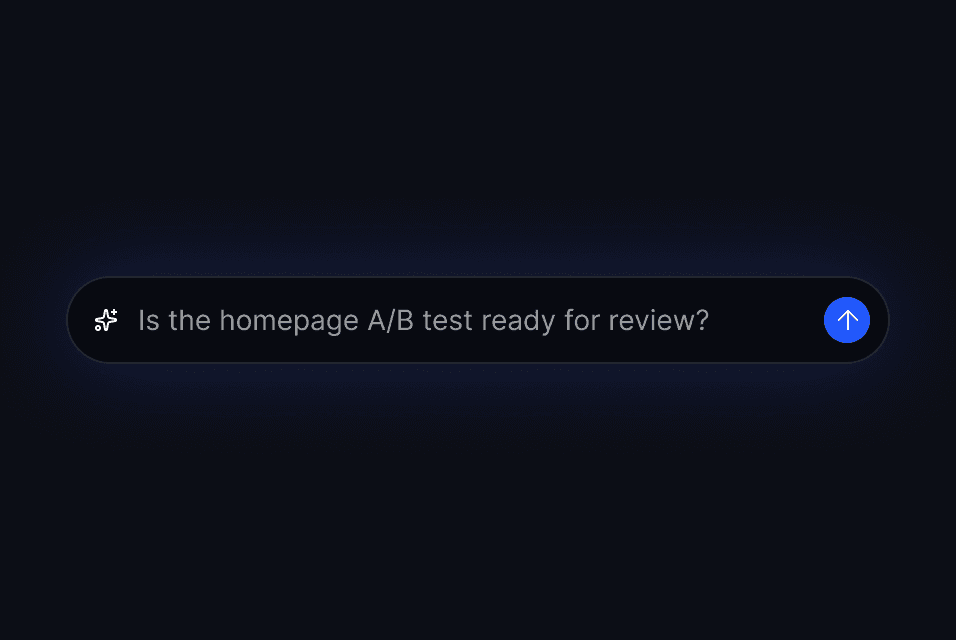
A conversational AI scoped to each project's data. Ask about blocked tasks, timeline projections, or what happened this week — without reading through every entry.
- "What tasks are blocked right now?"
- "Are we on track to finish by end of month?"
- Privacy-first: never reveals individual hours or rates.
Context that feeds the client update.
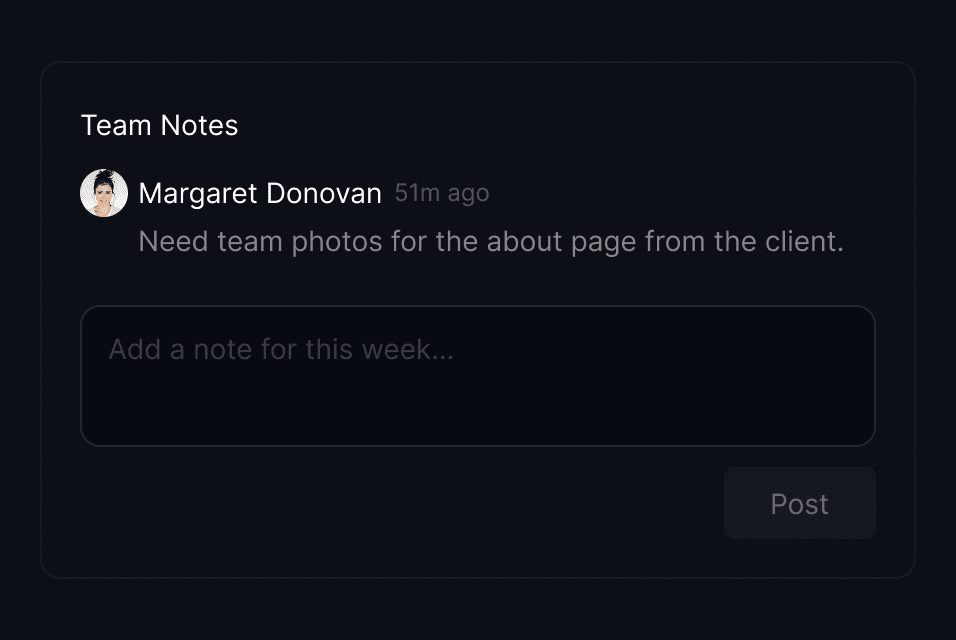
Team members post internal notes throughout the week. When you generate a client weekly update, the AI pulls from these notes to write a richer, more accurate summary.
- Weekly notes scoped to each project.
- Anyone on the team can add context as work happens.
- Notes feed directly into AI-generated client updates.